
Xenonhead
Minecraft seed database
Choose your edition, then filter by biome, structure or version. Each listing includes its available pictures, seed number and location details.
Search by seed number or choose your filters.
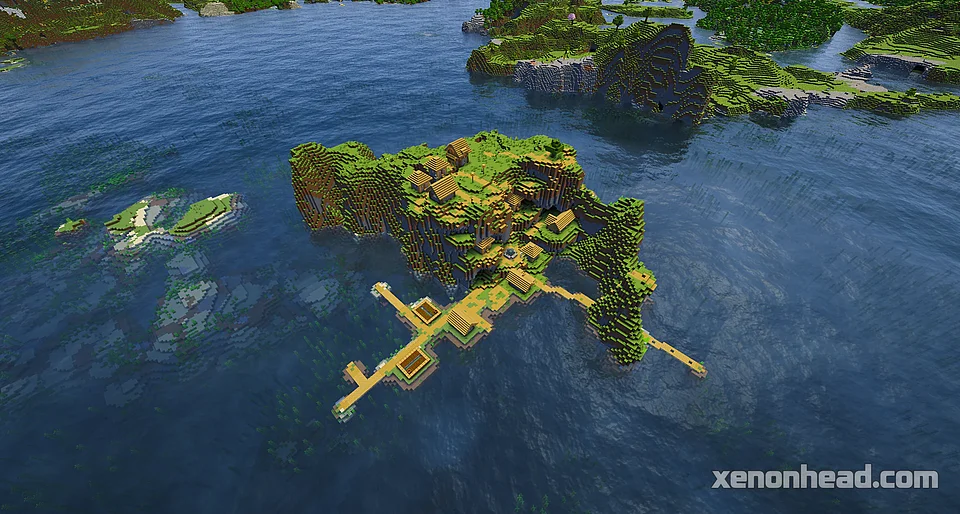
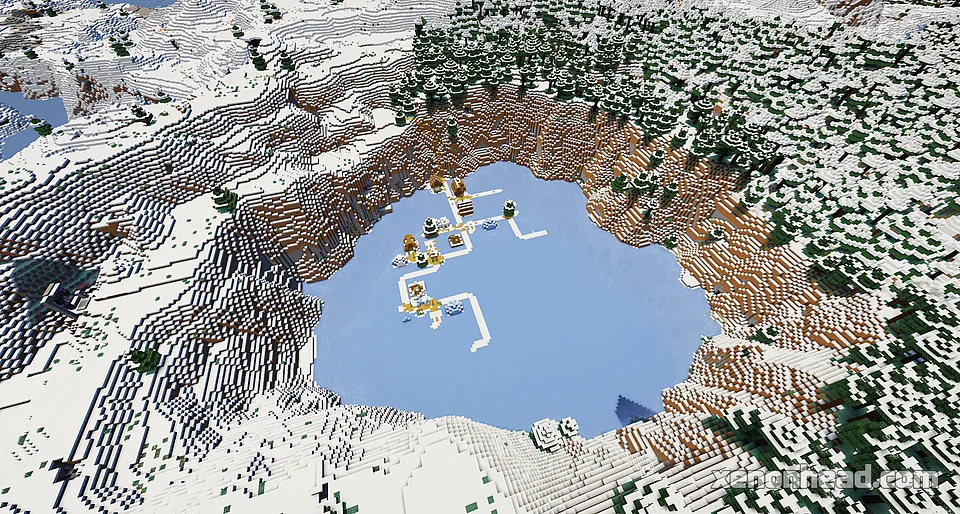
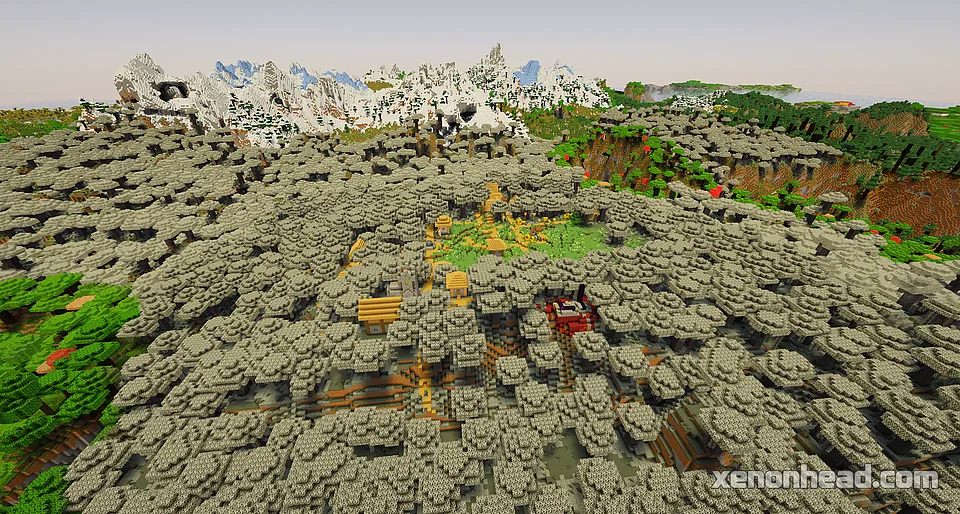
Village inside pale garden biome
A village stands inside pale garden biome.

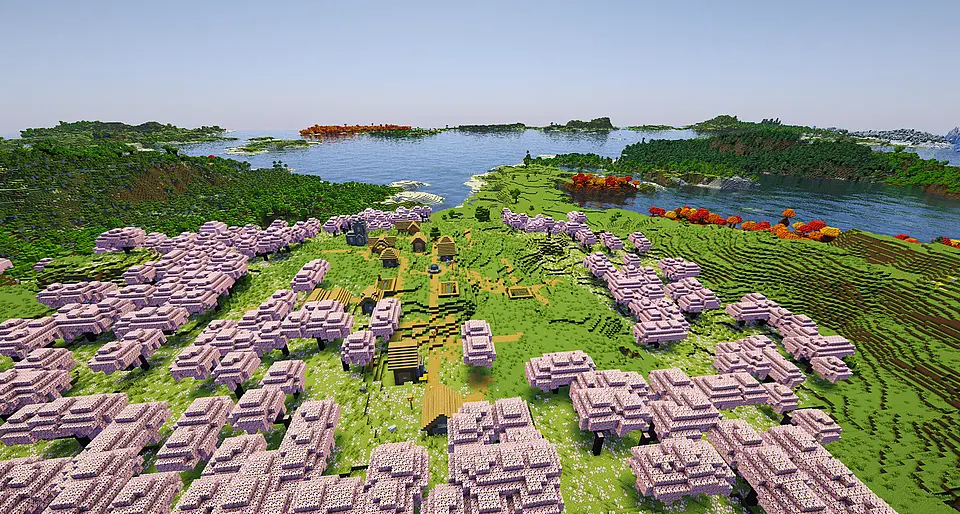
Large cherry grove village
This world has a large cherry grove village.
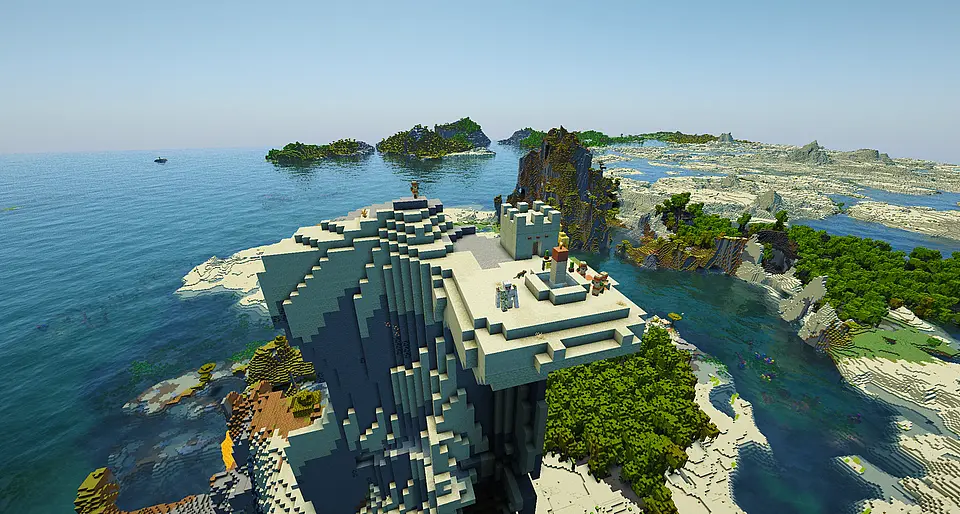
One-house desert village on a tall pillar at spawn
A desert village with just one house stands on a tall pillar at spawn.
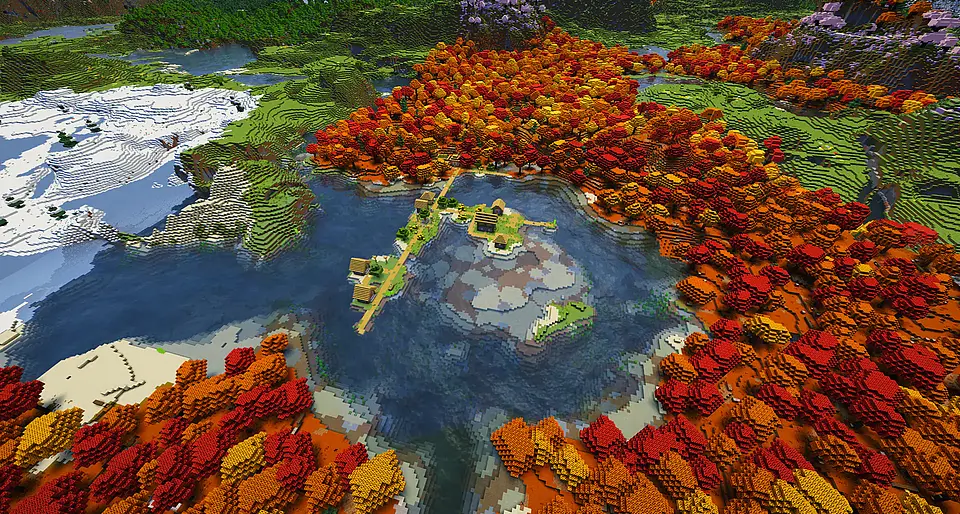
Lake island village surrounded by dappled forest
A village occupies an island in a lake surrounded by the colors of the dappled forest.
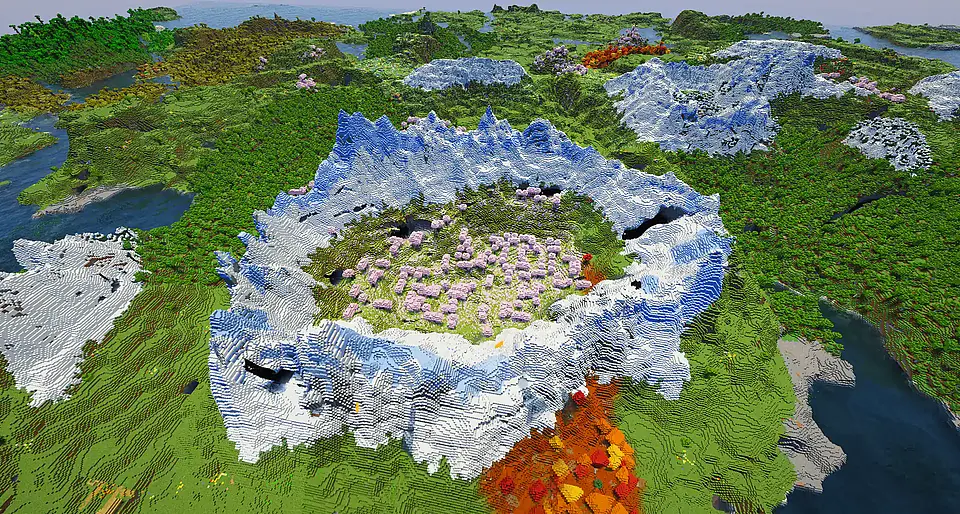
Cherry grove valley inside a snowy mountain ring
A cherry grove valley sits inside a snowy mountain ring.
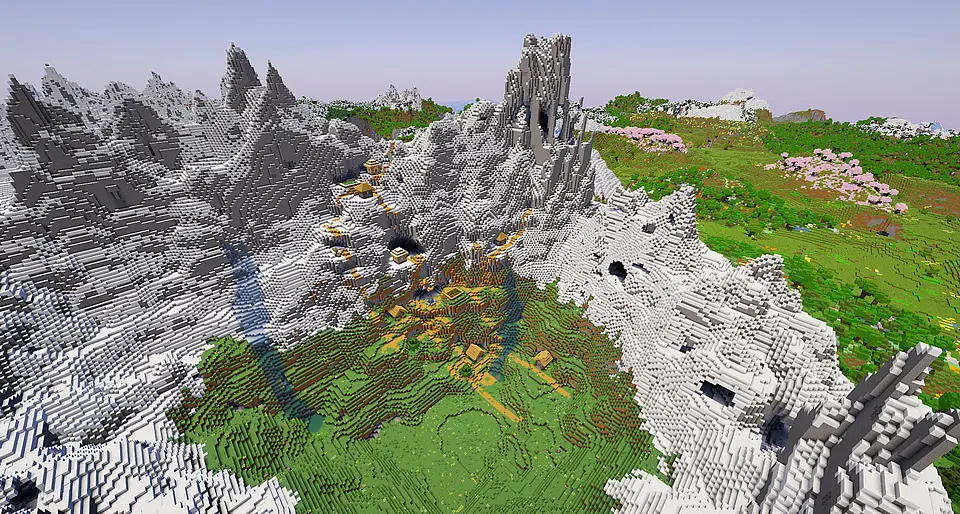
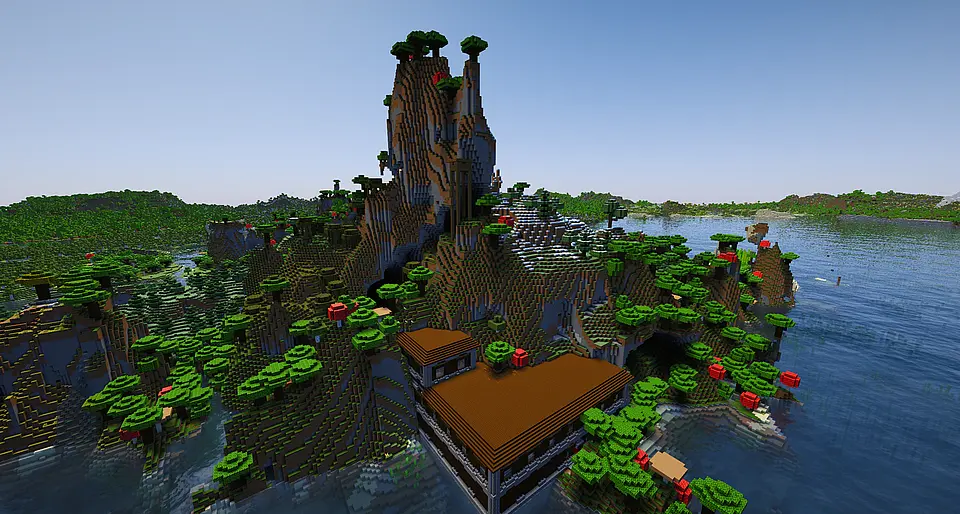
Woodland mansion and a cliffside witch hut
This world has a woodland mansion and a cliffside witch hut.
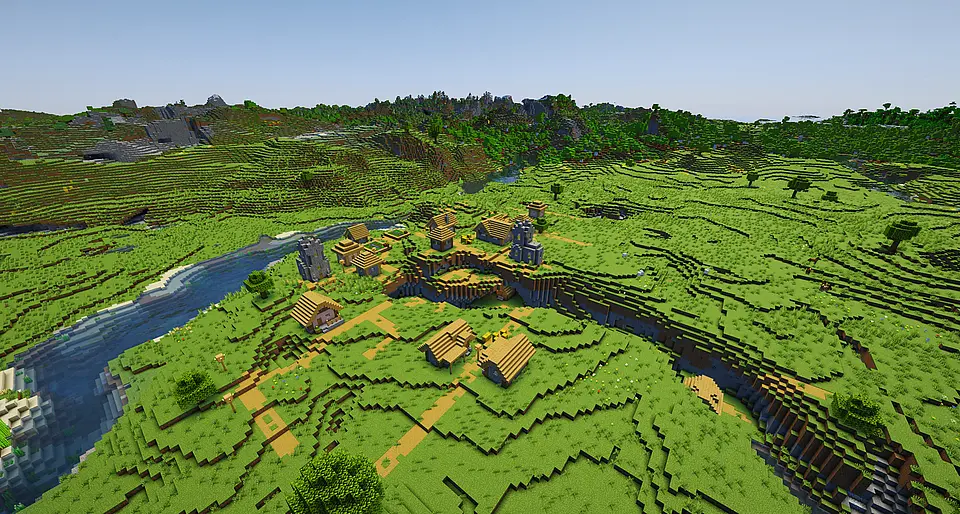
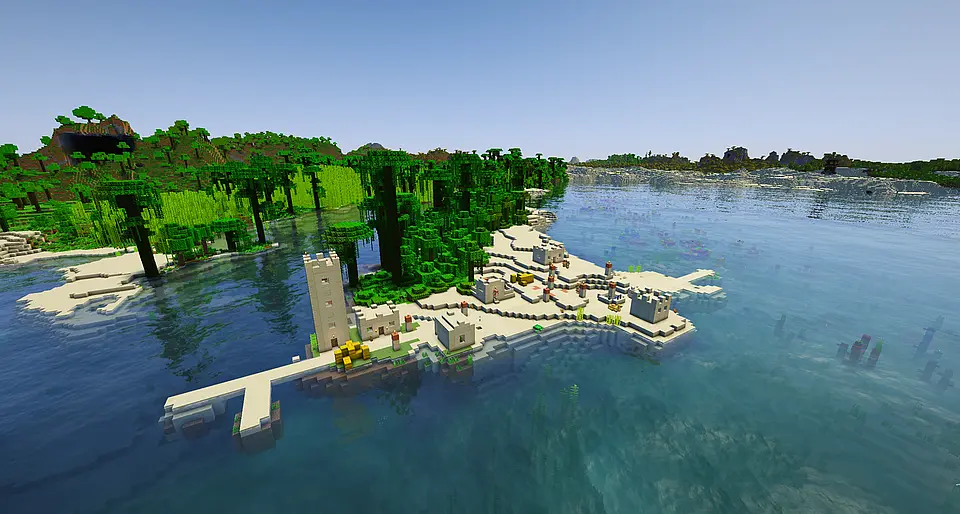
Desert village on a jungle island with coral reefs
A desert village stands on a jungle island with coral reefs.
Using the seed database
Choose Java or Bedrock and select the features you want. You can combine several biomes and structures, filter by a listed version, or search for a title or complete seed number.
Open a seed to see its pictures, versions and coordinates. Match the edition and version when you create your world, and keep the minus sign when copying a negative seed.
Open the seed map →