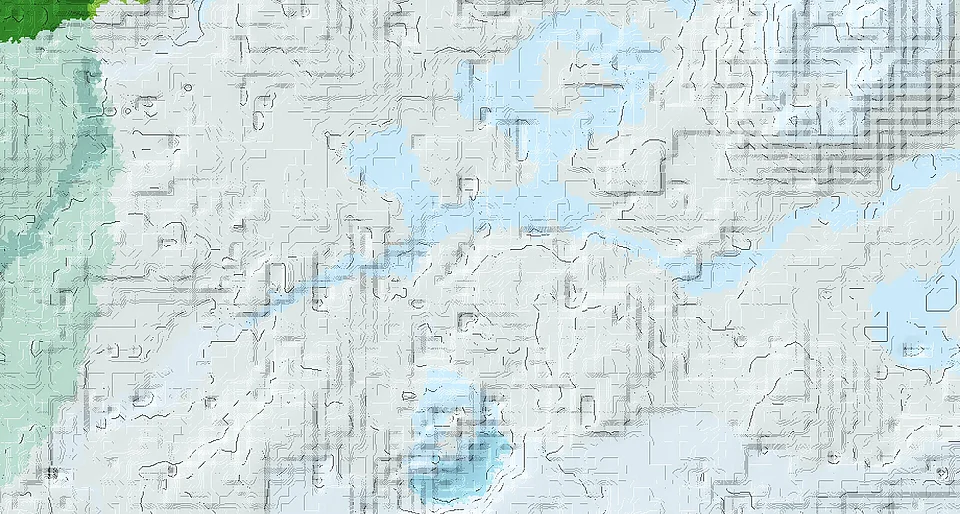
Snowy Slopes and Distant Village Routes
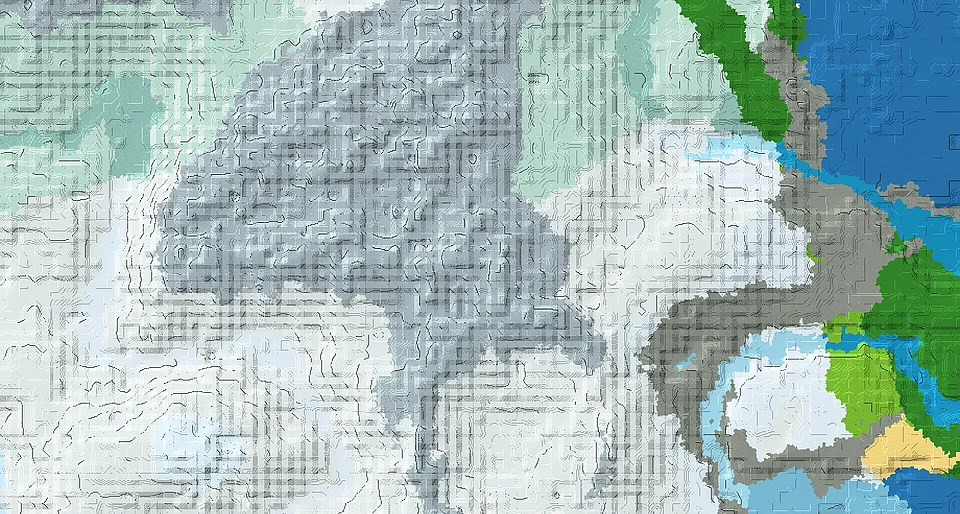
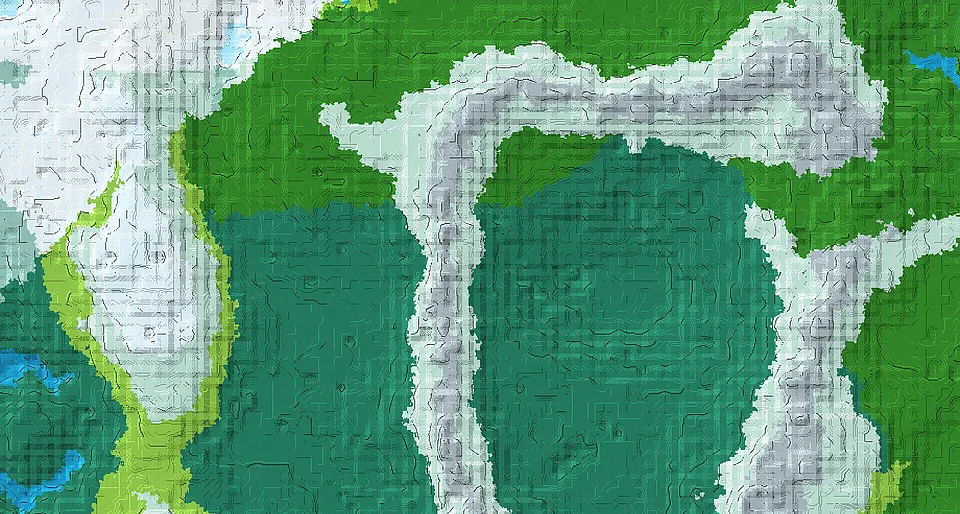
Snowy slopes lead toward peaks and ice-spike terrain. Java and Bedrock place their closest villages in different directions.
Browse the Xenonhead collection
Find Minecraft seeds for Java and Bedrock Edition. Filter the collection by biome, structure, landscape and game version, then open a seed to see its screenshots, world details and listed coordinates.
Snowy slopes lead toward peaks and ice-spike terrain. Java and Bedrock place their closest villages in different directions.
Start on snowy plains close to a village. Both editions offer a nearby settlement, using different village coordinates.
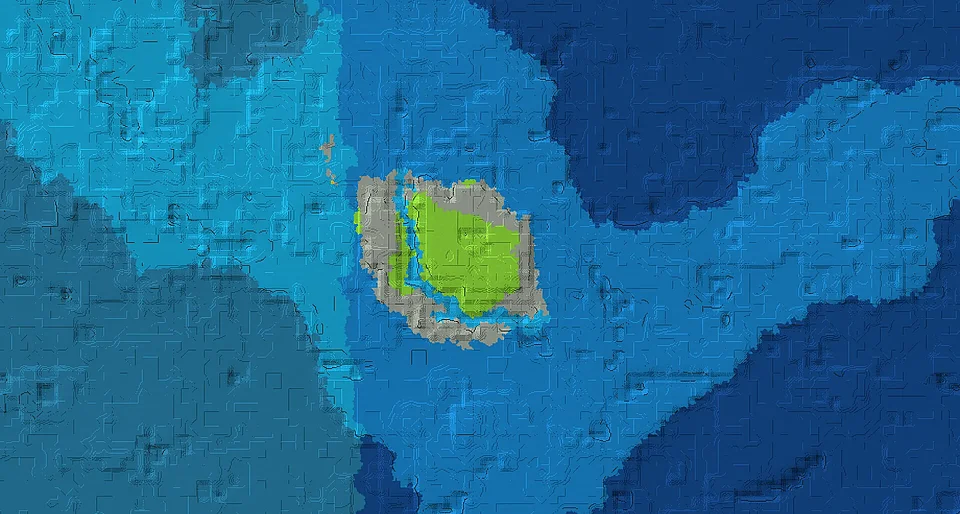
An isolated plains start is surrounded by ocean. Trial chambers lie south of the starting point in both editions.
A small plains island forms a remote ocean start. Each edition has a nearby shipwreck, with separate coordinates.
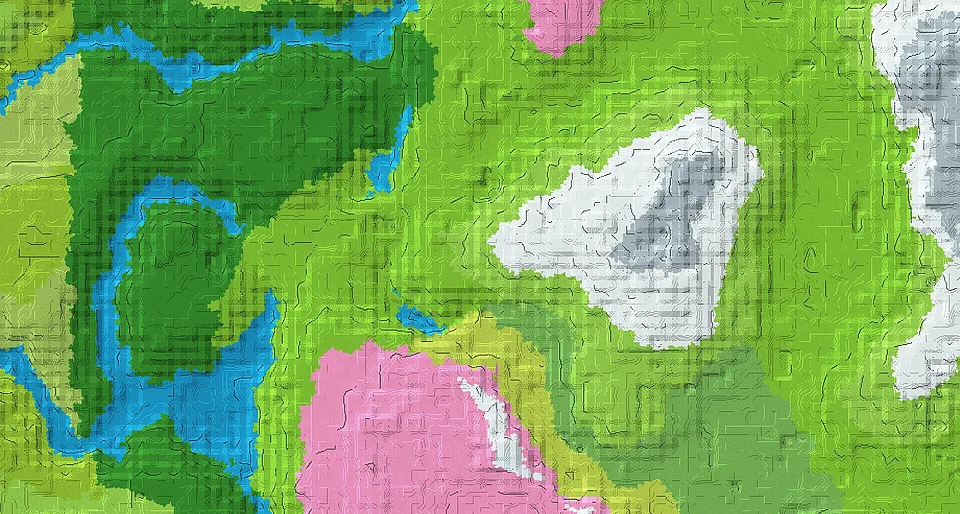
A meadow start borders a large cherry-growing area. Village locations differ between Java and Bedrock.
Begin among jagged mountains and snowy slopes. An ancient city is documented nearby in each edition, at different coordinates.
A cherry-lined lake creates a sheltered setting with a village in Bedrock. Community feedback also reports the terrain on Java, without confirming the village there.
Start among cherry trees with plains and meadows nearby. Each edition has its own nearby village route.
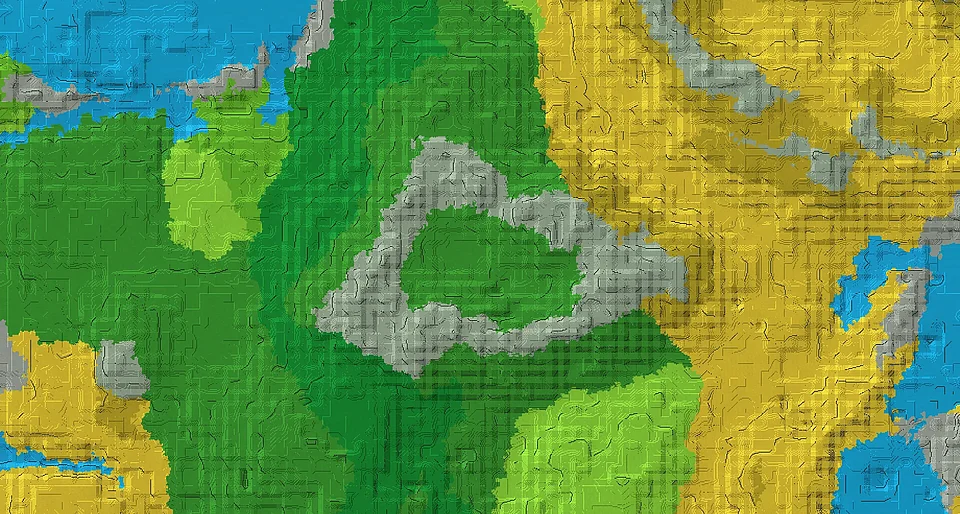
Explore two enclosed landscapes: a wooded valley and a savanna basin, each framed by rugged stony peaks.
Spruce-covered slopes surround a mountain lake with a taiga settlement. Both editions include a village, but each places it at a different point along the wooded basin.
A lake sits among surrounding hills with varied terrain for a settlement. The landscape is shared across editions; the two villages described by the finder are Java-only.
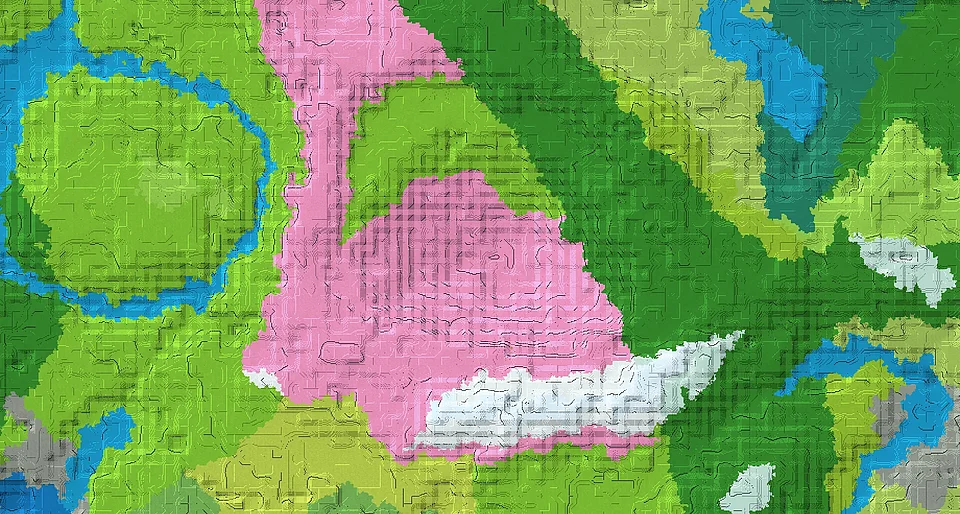
A cherry grove hides trial chambers beneath its slopes. The surrounding area includes forest, taiga and plains.
Choose Java, Bedrock or both editions, then narrow the results by biome, structure or landscape. Select a game version to find listings associated with that version. Search by a world name or paste a complete seed number to look for a specific seed.
Open a seed to view its gallery, available version information and recorded locations. Coordinates refer to the locations listed on that page; an estimated position is marked accordingly. Copy the seed number exactly, including any minus sign.
Open the Minecraft Seed Map →