Find Minecraft seeds for Java and Bedrock Edition. Filter the collection by biome, structure, landscape and game version, then open a seed to see its screenshots, world details and listed coordinates.
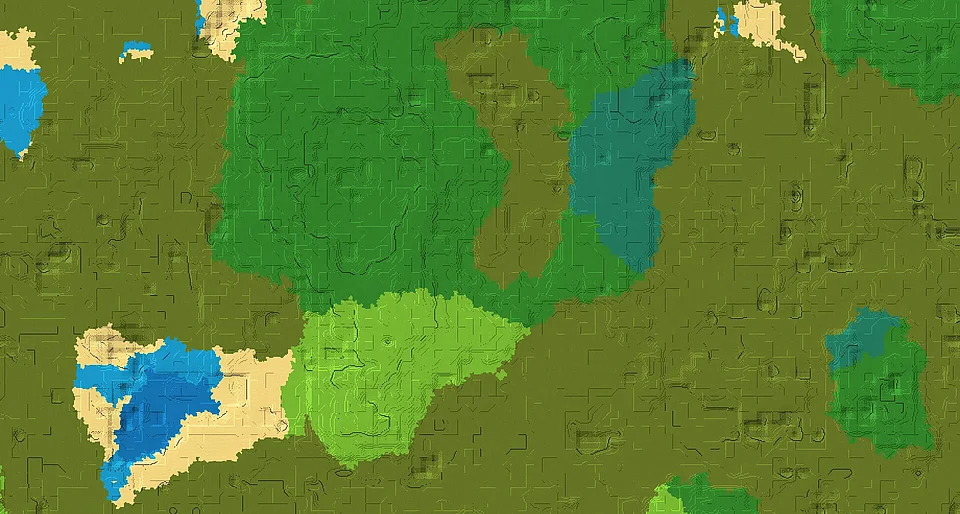
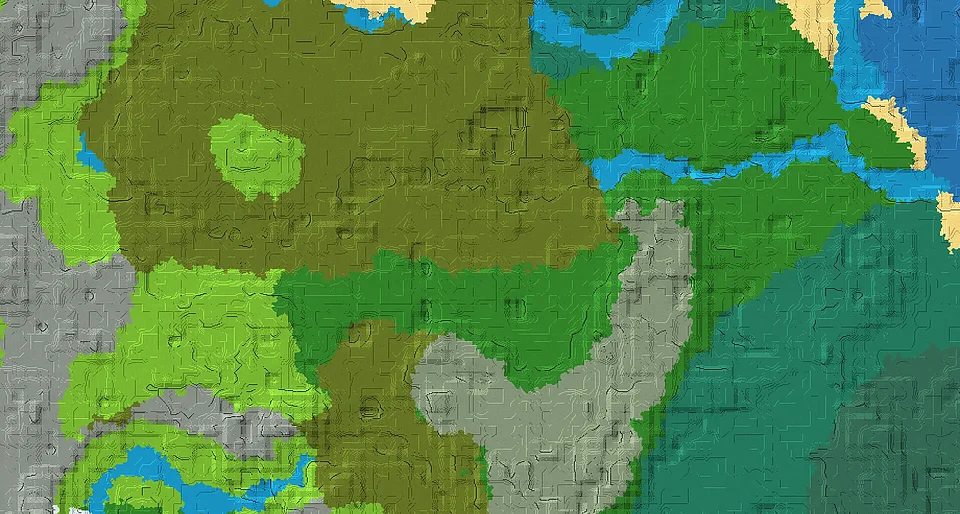
The Java 26.3 map marks a swamp biome at X 48, Z 0, about 32 blocks east of the estimated forest start. Continue toward the trial chambers at X 32, Z 224, roughly 225 blocks from the first point. Nearby biome samples include plains, windswept hills.
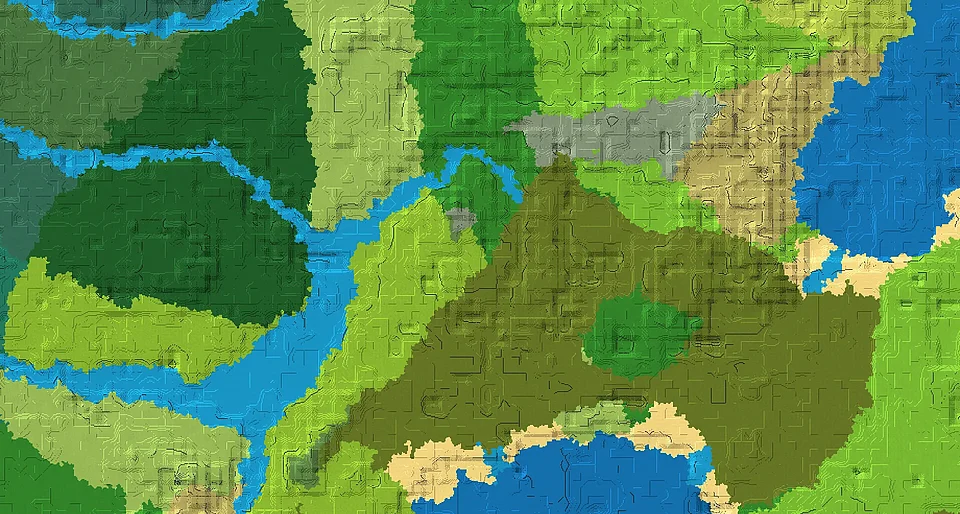
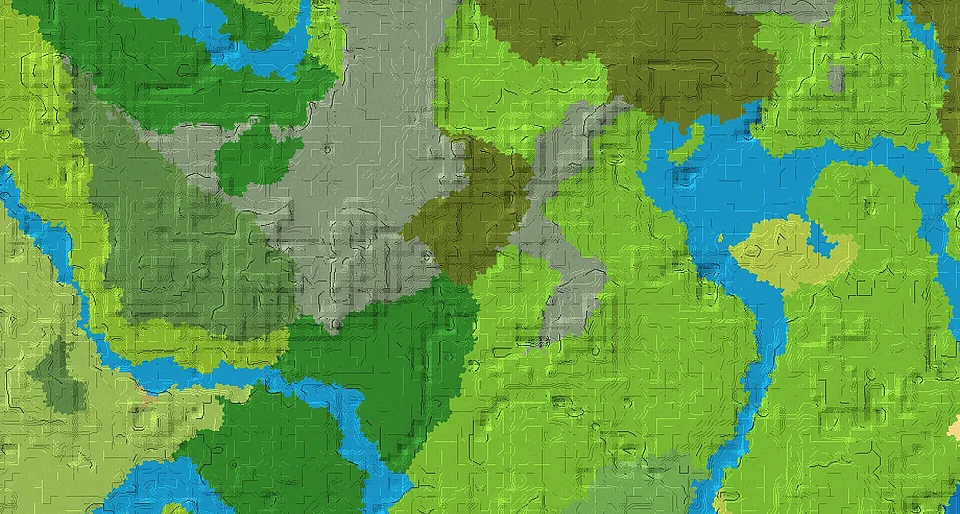
The Java 26.3 map marks a swamp biome at X 0, Z -32, about 32 blocks north of the estimated plains start. Continue toward the trial chambers at X 128, Z 288, roughly 345 blocks from the first point. Nearby biome samples include forest, ocean.
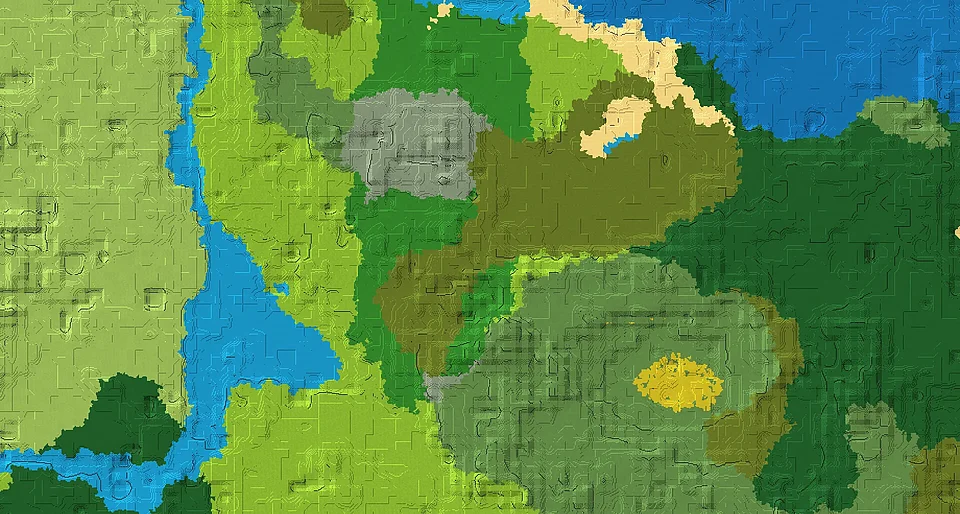
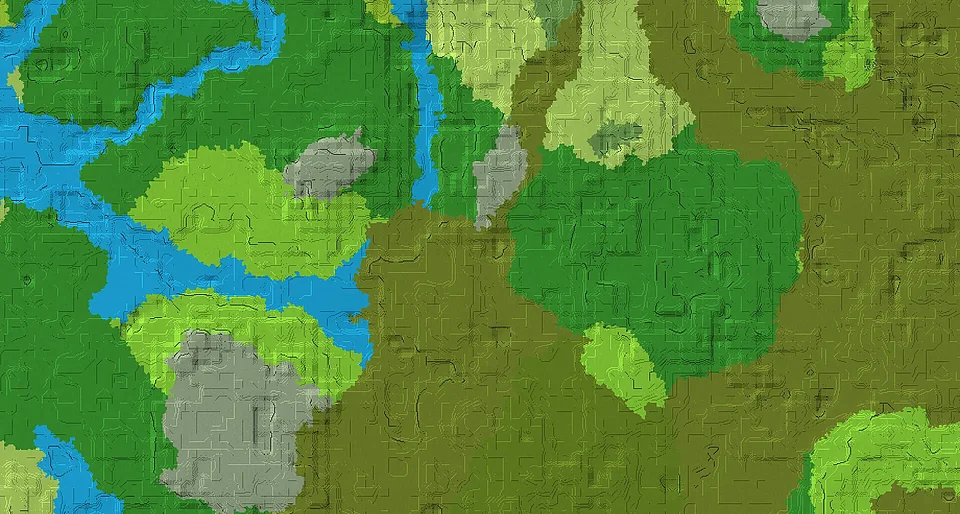
The Java 26.3 map marks a swamp biome at X 0, Z -32, about 32 blocks north of the estimated sunflower plains start. Continue toward the ruined portal at X 240, Z 32, roughly 248 blocks from the first point. Nearby biome samples include birch forest, ocean.
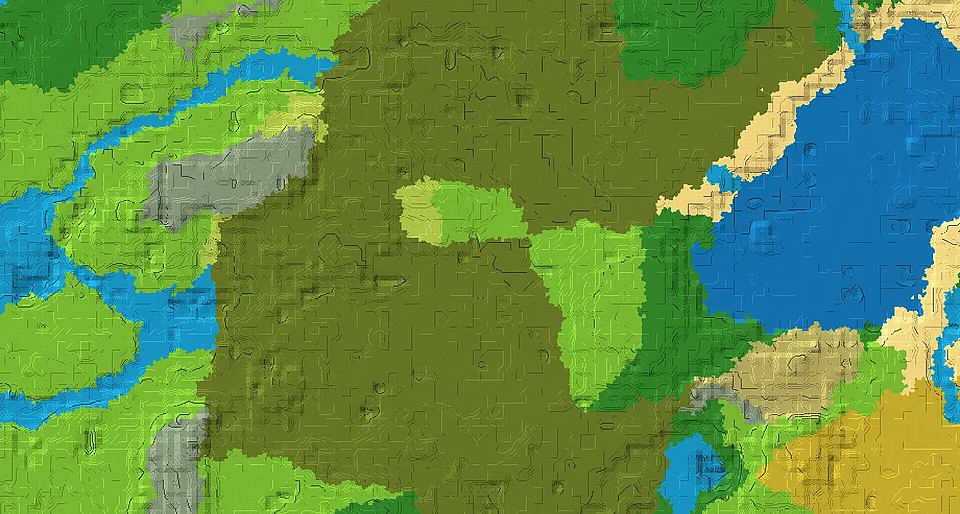
The Java 26.3 map marks a swamp biome at X 96, Z 0, about 32 blocks east of the estimated forest start. Continue toward the trial chambers at X 224, Z 240, roughly 272 blocks from the first point. Nearby biome samples include cold ocean, deep cold ocean.
The Java 26.3 map marks a swamp biome at X 32, Z 0, about 32 blocks east of the estimated forest start. Continue toward the trial chambers at X 32, Z 208, roughly 208 blocks from the first point. Nearby biome samples include plains.
The Java 26.3 map marks a swamp biome at X -32, Z 0, about 32 blocks west of the estimated forest start. Continue toward the ruined portal at X 176, Z 96, roughly 229 blocks from the first point. Nearby biome samples include plains, mangrove swamp.
The Java 26.3 map marks a swamp biome at X -480, Z 96, about 32 blocks east of the estimated birch forest start. Continue toward the ruined portal at X -592, Z 80, roughly 113 blocks from the first point. Nearby biome samples include plains, forest.
The Java 26.3 map marks a swamp biome at X 0, Z -32, about 32 blocks north of the estimated forest start. Continue toward the trial chambers at X 48, Z 240, roughly 276 blocks from the first point. Nearby biome samples include dark forest, birch forest.
The Java 26.3 map marks a swamp biome at X 0, Z 32, about 32 blocks south of the estimated plains start. Continue toward the trial chambers at X 0, Z 112, roughly 80 blocks from the first point. Nearby biome samples include forest, ocean.
The Java 26.3 map marks a swamp biome at X 0, Z -32, about 32 blocks north of the estimated forest start. Continue toward the trial chambers at X 16, Z 112, roughly 145 blocks from the first point. Nearby biome samples include taiga, plains.
The Java 26.3 map marks a swamp biome at X 0, Z -48, about 32 blocks north of the estimated plains start. Continue toward the village at X 0, Z -192, roughly 144 blocks from the first point. Nearby biome samples include forest, windswept hills.
The Java 26.3 map marks a swamp biome at X 0, Z 0, at the same X/Z position as the estimated swamp start. Continue toward the ruined portal at X 80, Z 176, roughly 193 blocks from the first point. Nearby biome samples include forest, mangrove swamp.
SwampForest
How to find the right Minecraft seed
Choose Java, Bedrock or both editions, then narrow the results by biome, structure or landscape. Select a game version to find listings associated with that version. Search by a world name or paste a complete seed number to look for a specific seed.
Open a seed to view its gallery, available version information and recorded locations. Coordinates refer to the locations listed on that page; an estimated position is marked accordingly. Copy the seed number exactly, including any minus sign.