
Village East of the Snowy Slopes Start — Minecraft Seed
Explore Minecraft seed -6928330288941550094 for Java & Bedrock Edition.
World details
About this Minecraft seed
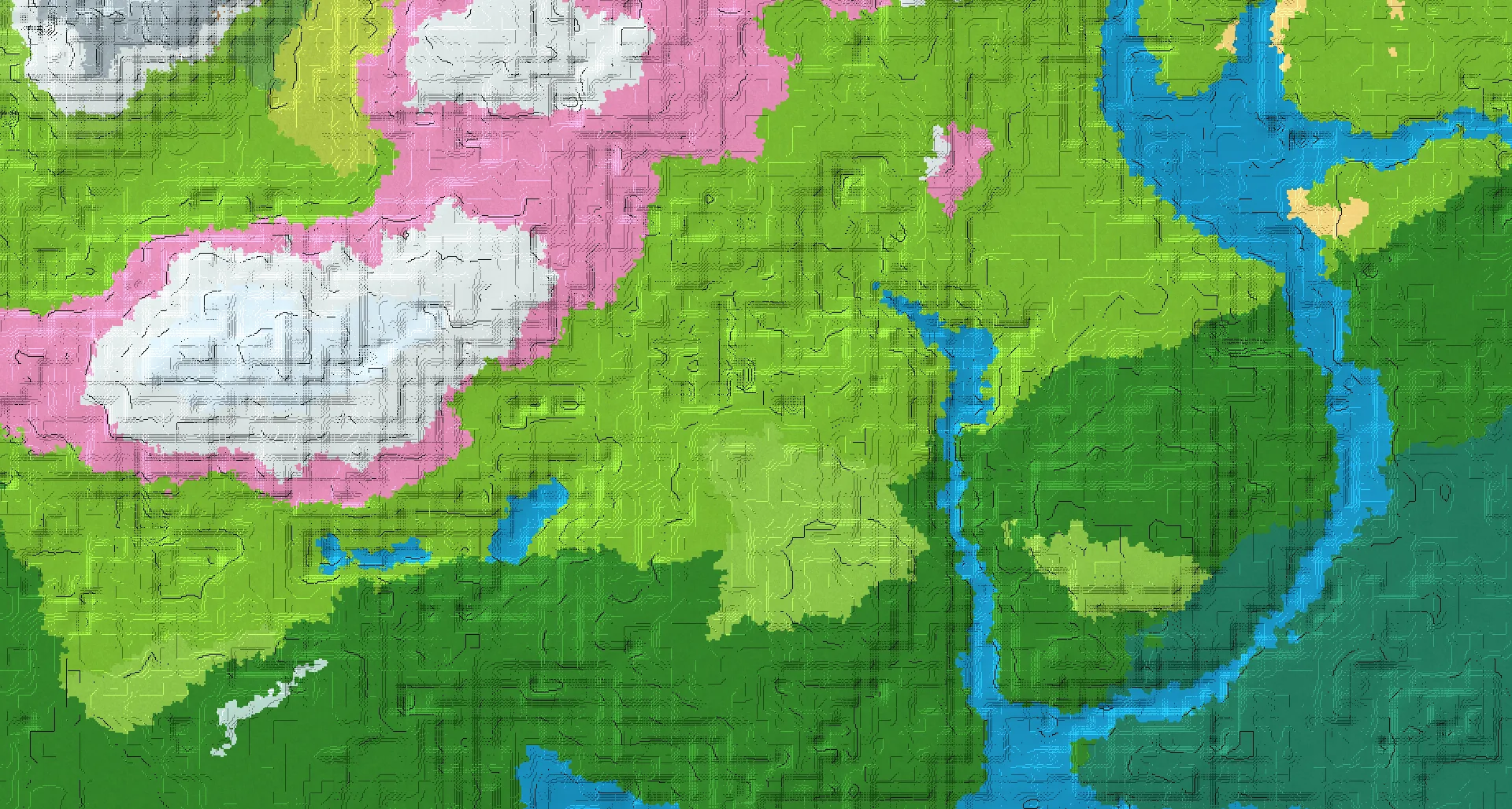
Begin in snowy slopes at X 0, Z 0. The Java village is listed at X 208, Z 48, about 213 blocks away horizontally. Bedrock has a separate village route at X 776, Z 168; use the coordinates for your edition.
The listed Minecraft biomes are Snowy Slopes, Forest, Plains, Taiga, Meadow, River, Cherry Grove, Sunflower Plains, Grove, Savanna.
Recorded structures include Village, Ruined Portal, Trial Chambers, Ancient City, Igloo, Stronghold. Check the listed coordinates for their locations.
The listed game versions are Java 1.21. Match the edition and version when creating your Minecraft world.
The featured location, Village (Java), is listed at X: 208 · Z: 48.
Minecraft seed details
Copy the complete seed number, including its minus sign.-6928330288941550094- Edition
- Java / Bedrock
- Game versions
- Java 1.21
- Featured location
- X: 208 · Z: 48
/tp @s 208 ~ 48Explore this Minecraft world
Locations and coordinates
Village (Java)
/tp @s 208 ~ 48Ruined Portal (Java)
/tp @s 240 ~ 80Village (Java)
/tp @s -256 ~ 176Trial Chambers (Java)
/tp @s 160 ~ 320Ancient City (Java)
/tp @s 208 ~ -352Igloo (Java)
/tp @s -240 ~ -464Village (Java)
/tp @s 576 ~ 256Stronghold (Java)
/tp @s -1152 ~ 1792Ancient City (Bedrock)
/tp @s 232 ~ 88Trial Chambers (Bedrock)
/tp @s 169 ~ 311Ruined Portal (Bedrock)
/tp @s 296 ~ 344Village (Bedrock)
/tp @s 776 ~ 168Village (Bedrock)
/tp @s -280 ~ -872Stronghold (Bedrock)
/tp @s 1234 ~ -350Spawn (Java)
/tp @s 0 ~ 0Spawn (Bedrock)
/tp @s 0 ~ 0An unknown Y coordinate is written as ~ in the command. This keeps your current height; it does not find the ground automatically. Teleport commands require the appropriate in-game permissions.
How to use this Minecraft seed
- Copy the complete seed number shown above, including a minus sign if present.
- Open the Minecraft edition and game version listed for this seed. Create a new world and paste the number into the world seed field before generating it.
- Use the recorded coordinates to explore the locations shown here. Terrain and structure placement may differ in another edition or game version.