
Flower forest plateau with surrounding cherry groves — Minecraft Seed
Explore Minecraft seed 8888947372893898991 for Java Edition.
World details
About this Minecraft seed
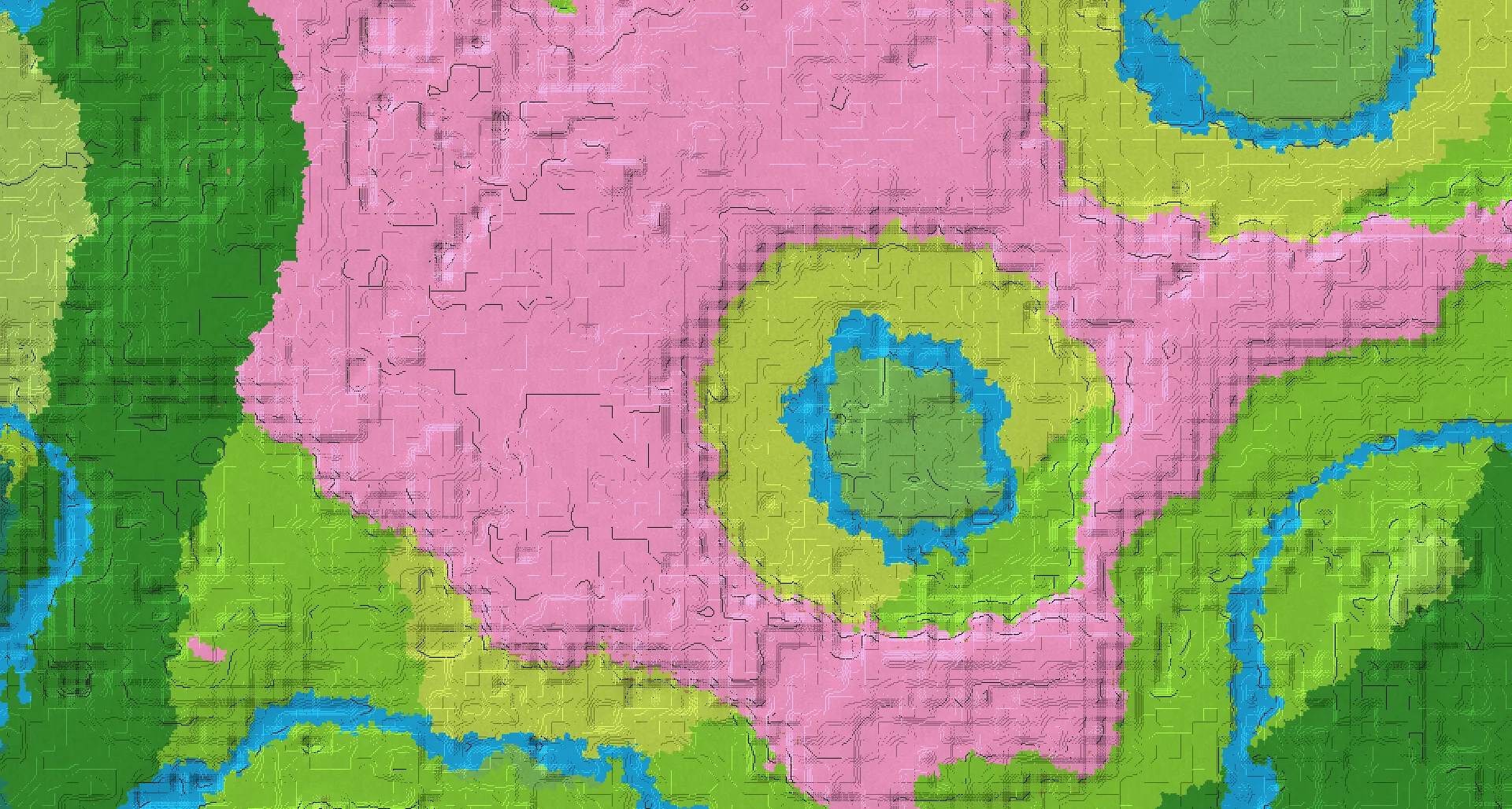
Flower forest plateau with surrounding cherry groves. Source-listed features: Mountain, Cherry Grove. Featured location: X: -16, Y: 67, Z: 23.
The listed Minecraft biomes are Cherry Grove, Taiga, Pale Garden.
Recorded structures include Village, Pillager Outpost, Ancient City, Stronghold. Check the listed coordinates for their locations.
This world is categorized under Mountain.
The listed game versions are Java 1.20, Java 1.21.11. Match the edition and version when creating your Minecraft world.
The featured location, Featured location, is listed at X: -16 · Y: 67 · Z: 23.
Minecraft seed details
Copy the complete seed number, including its minus sign.8888947372893898991- Edition
- Java
- Game versions
- Java 1.20, Java 1.21.11
- Featured location
- X: -16 · Y: 67 · Z: 23
/tp @s -16 67 23Explore this Minecraft world
Locations and coordinates
Featured location
/tp @s -16 67 23Village #1 (Plains)
/tp @s 144 66 -416Village #2 (Plains)
/tp @s -271 68 -703Village #3 (Plains)
/tp @s 768 97 272Zombie Village (Taiga)
/tp @s -816 67 -288Pillager Outpost #1
/tp @s 336 83 144Pillager Outpost #2
/tp @s -671 63 578Stronghold
/tp @s -1468 63 628Ancient City
/tp @s -200 -51 -184An unknown Y coordinate is written as ~ in the command. This keeps your current height; it does not find the ground automatically. Teleport commands require the appropriate in-game permissions.
How to use this Minecraft seed
- Copy the complete seed number shown above, including a minus sign if present.
- Open the Minecraft edition and game version listed for this seed. Create a new world and paste the number into the world seed field before generating it.
- Use the recorded coordinates to explore the locations shown here. Terrain and structure placement may differ in another edition or game version.