
Dual badlands desert cliff and lush cave islands — Minecraft Seed
Explore Minecraft seed -6708393119944957501 for Java Edition.
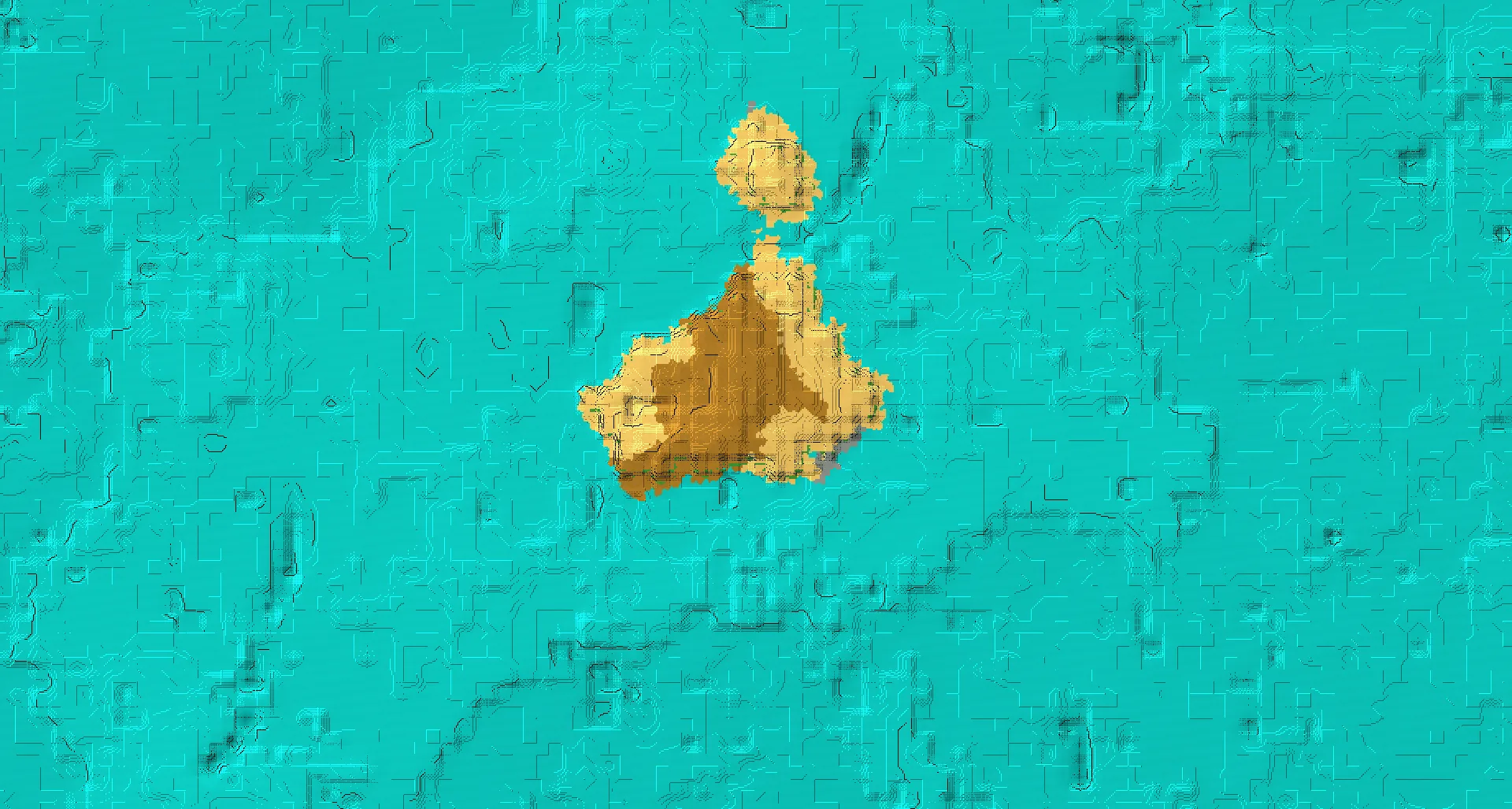
World details
About this Minecraft seed
Dual badlands desert cliff and lush cave islands. Source-listed features: Island, Mountain, Cave, Desert, Badlands. Featured location: X: 2, Y: 147, Z: 9.
The listed Minecraft biomes are Ocean, Desert, Savanna, Badlands.
Recorded structures include Village, Ancient City, Stronghold. Check the listed coordinates for their locations.
This world is categorized under Island, Mountain, Cave.
The listed game versions are Java 1.20, Java 1.21.11. Match the edition and version when creating your Minecraft world.
The featured location, Featured location, is listed at X: 2 · Y: 147 · Z: 9.
Minecraft seed details
Copy the complete seed number, including its minus sign.-6708393119944957501- Edition
- Java
- Game versions
- Java 1.20, Java 1.21.11
- Featured location
- X: 2 · Y: 147 · Z: 9
/tp @s 2 147 9Explore this Minecraft world
Locations and coordinates
Featured location
/tp @s 2 147 9Village #1 (Desert)
/tp @s -705 64 -459Village #2 (Desert)
/tp @s -736 71 -752Village #3 (Plains)
/tp @s -1245 67 -495Village #4 (Savanna)
/tp @s -305 109 1422Village #5 (Plains)
/tp @s 896 67 1472Stronghold #1
/tp @s 1428 68 -284Stronghold #2
/tp @s -364 76 1412Ancient City
/tp @s -600 -51 1560An unknown Y coordinate is written as ~ in the command. This keeps your current height; it does not find the ground automatically. Teleport commands require the appropriate in-game permissions.
How to use this Minecraft seed
- Copy the complete seed number shown above, including a minus sign if present.
- Open the Minecraft edition and game version listed for this seed. Create a new world and paste the number into the world seed field before generating it.
- Use the recorded coordinates to explore the locations shown here. Terrain and structure placement may differ in another edition or game version.